Collect rent without asking twice
Invoices go out on schedule and reminders follow on their own. You see who has paid and who has not, without opening a single chat.
You did not start a PG to spend a day a week reconciling payments and repeating yourself in a group chat. Rentro takes that part.
Invoices go out on schedule and reminders follow on their own. You see who has paid and who has not, without opening a single chat.
Beds filled, beds empty, notice periods running. The thing you actually need to know, on the first screen.
Every invoice, payment, complaint and visitor entry is dated and attributable. When someone disagrees, there is something to point at.
Caretakers pick up work and close it. Guards verify passes at the gate. Neither needs to call you to find out what is going on.
Payment history, deposits and receipts are already in order — not something to reconstruct the week before you file.
Rent paid by UPI goes straight from your tenant's bank to yours. Rentro records it. Rentro never holds it, and takes no cut of it.
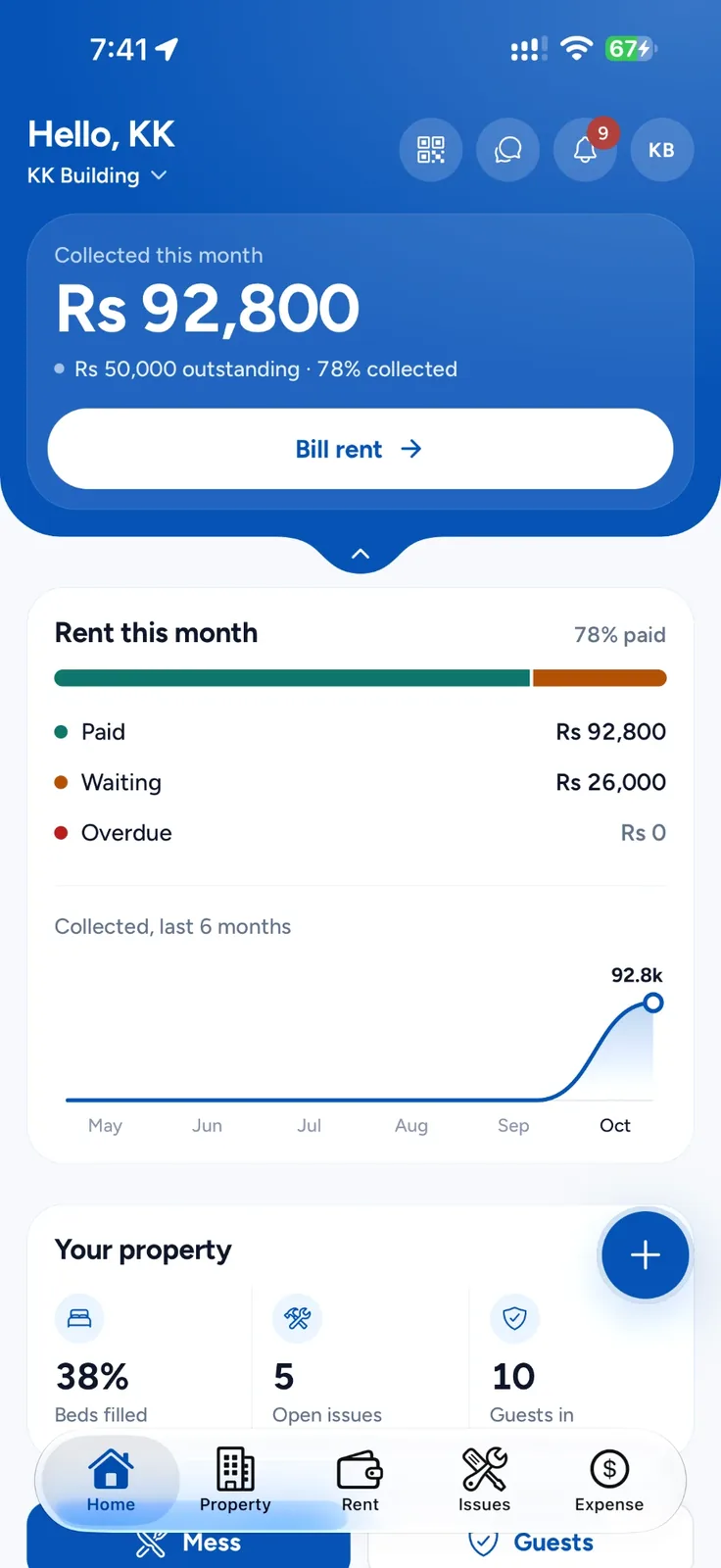
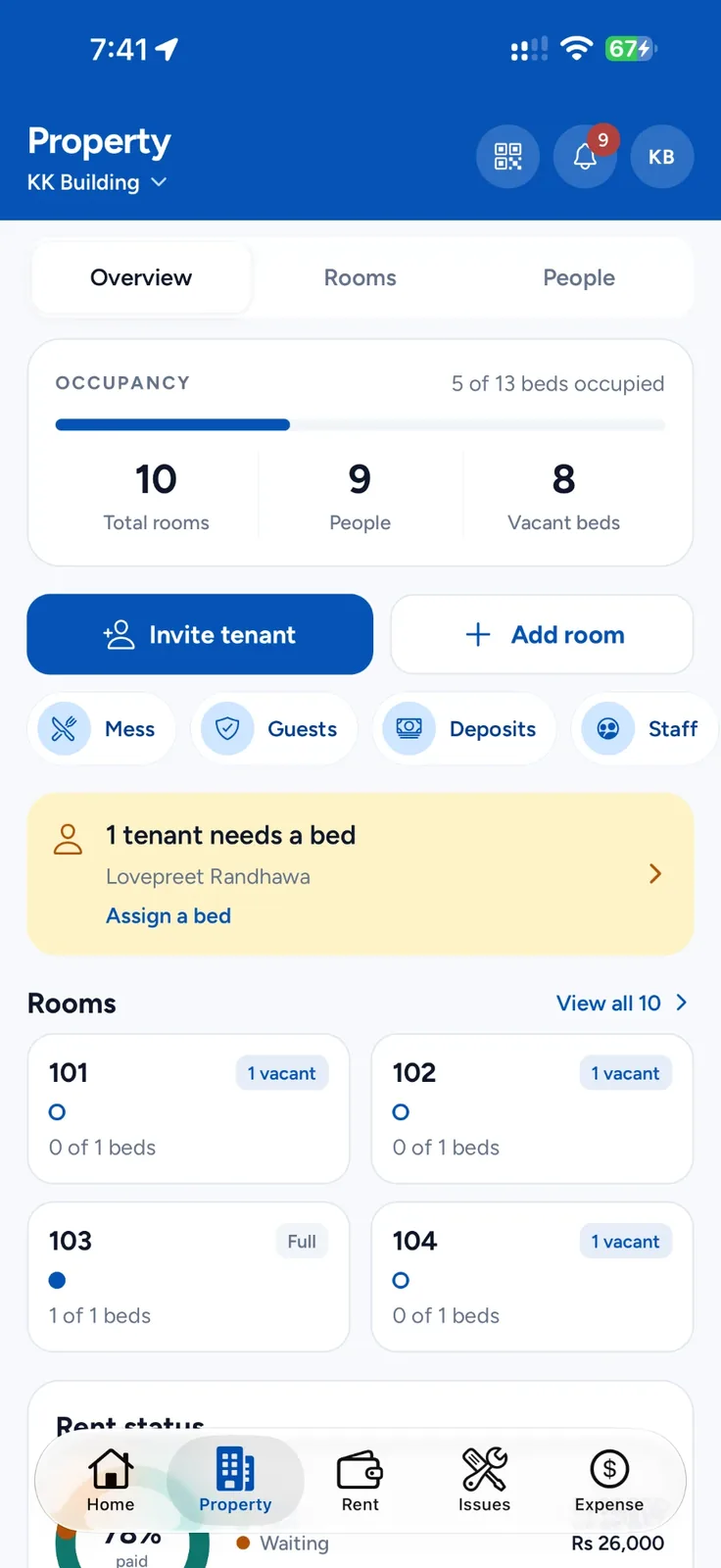
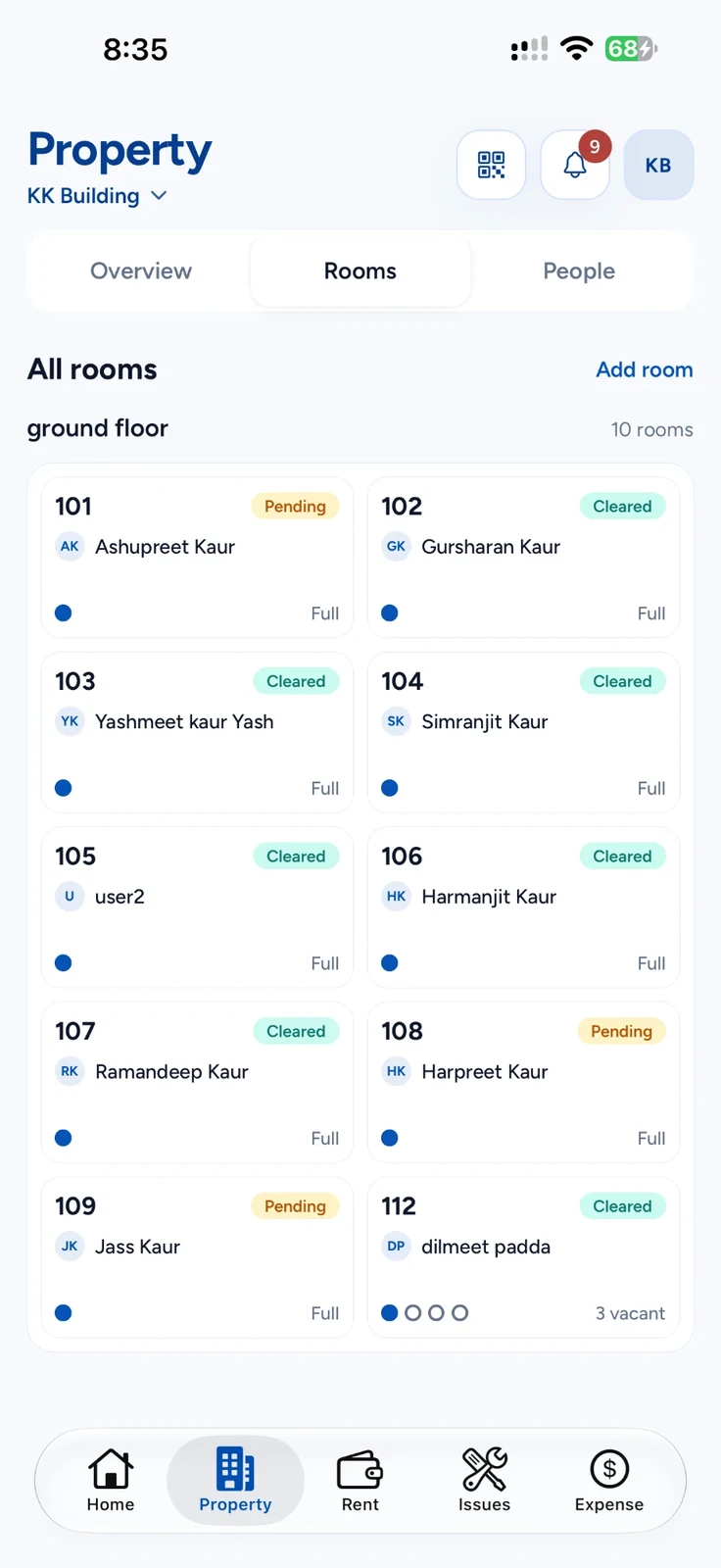
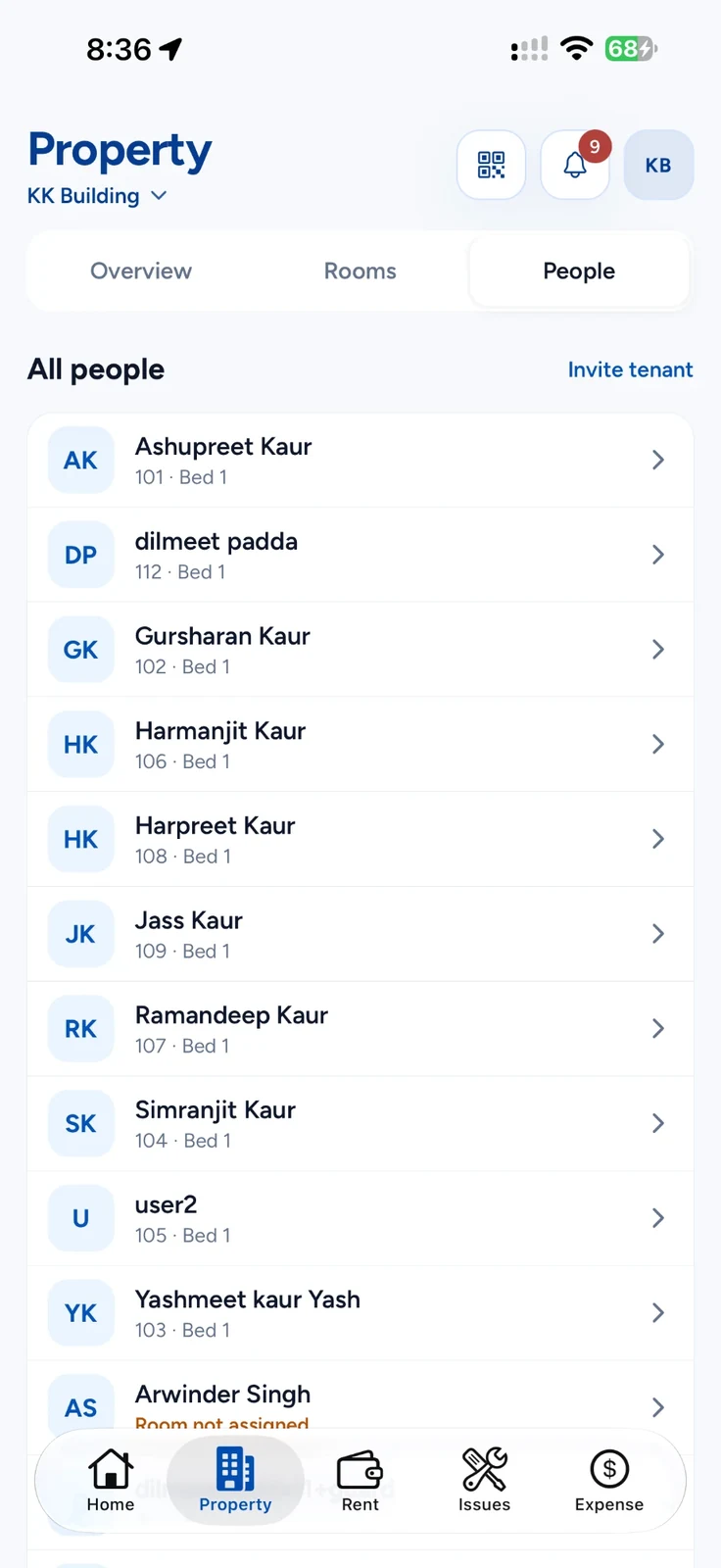
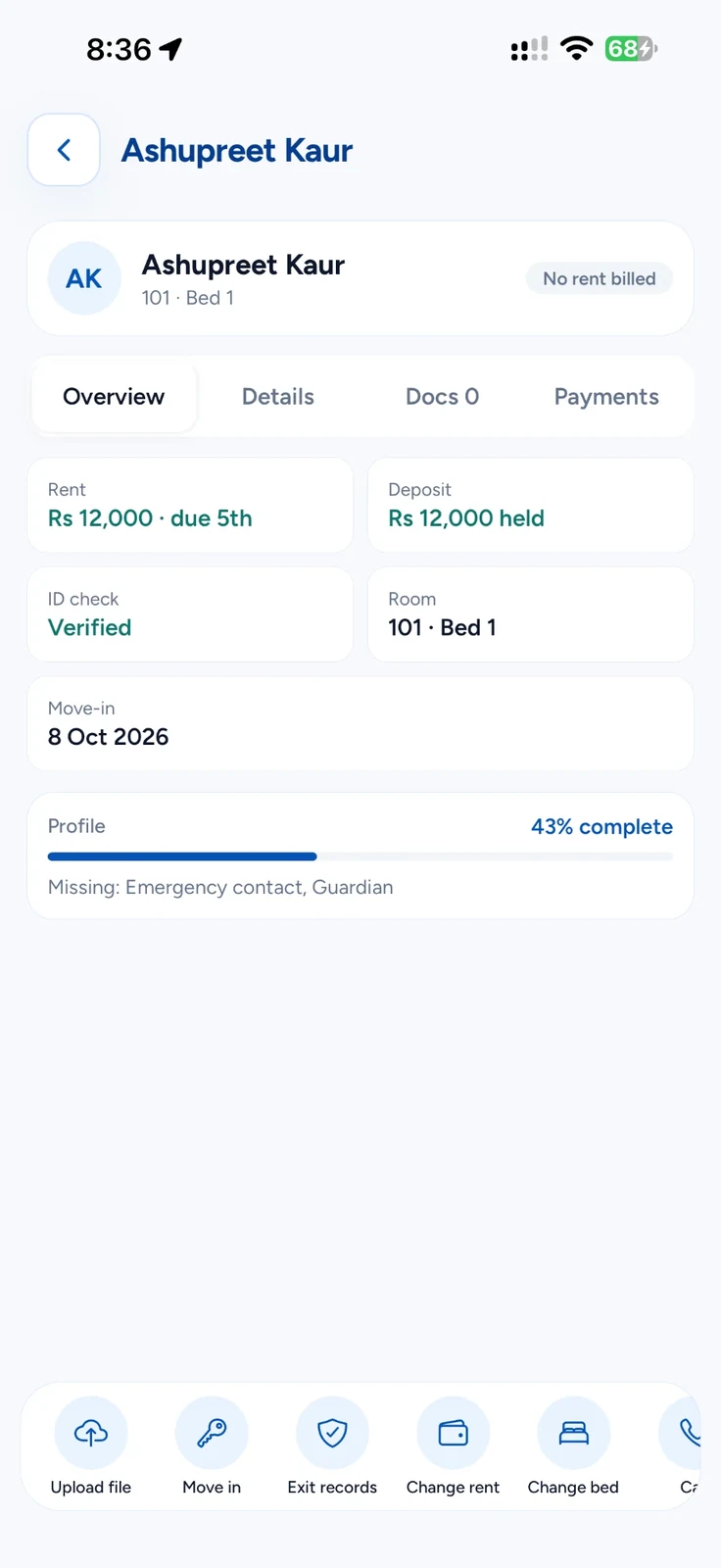
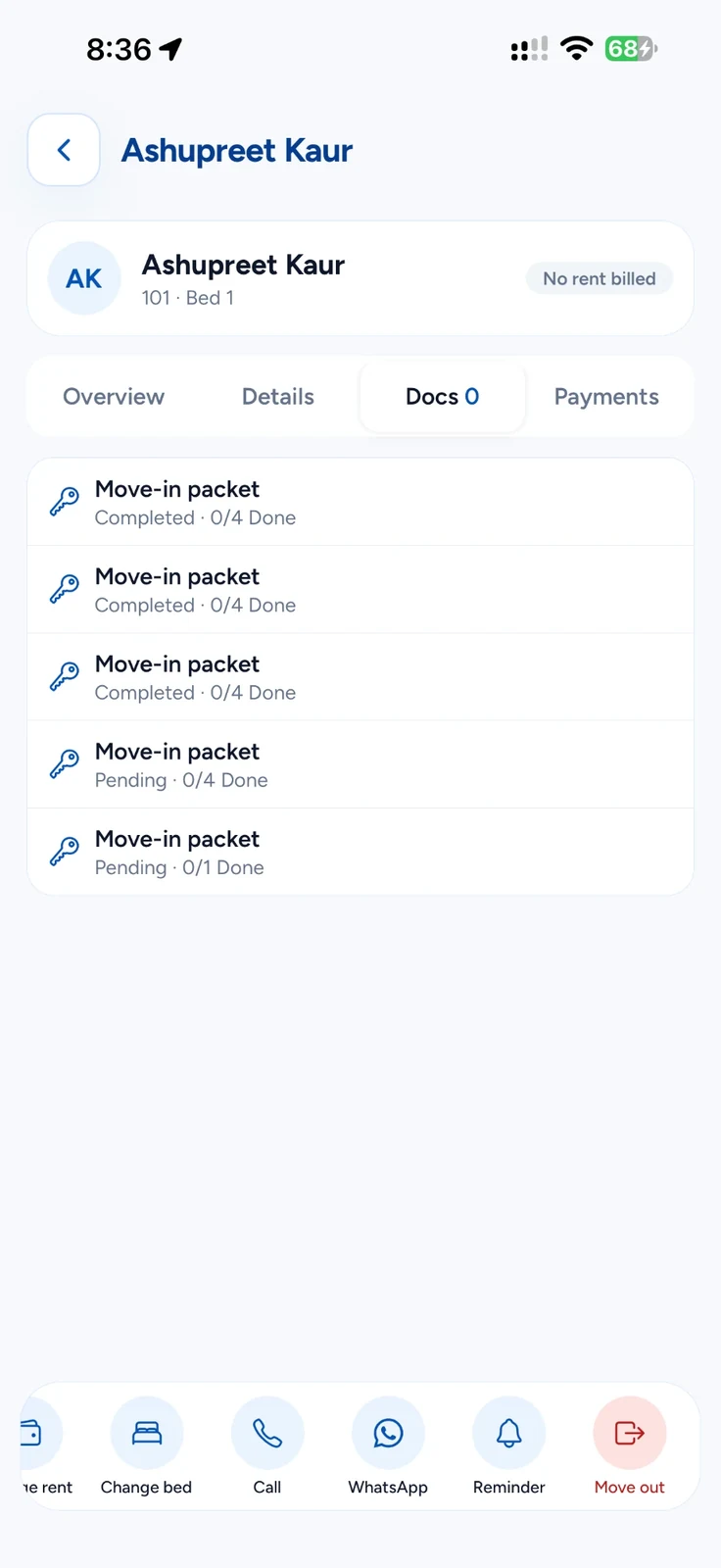
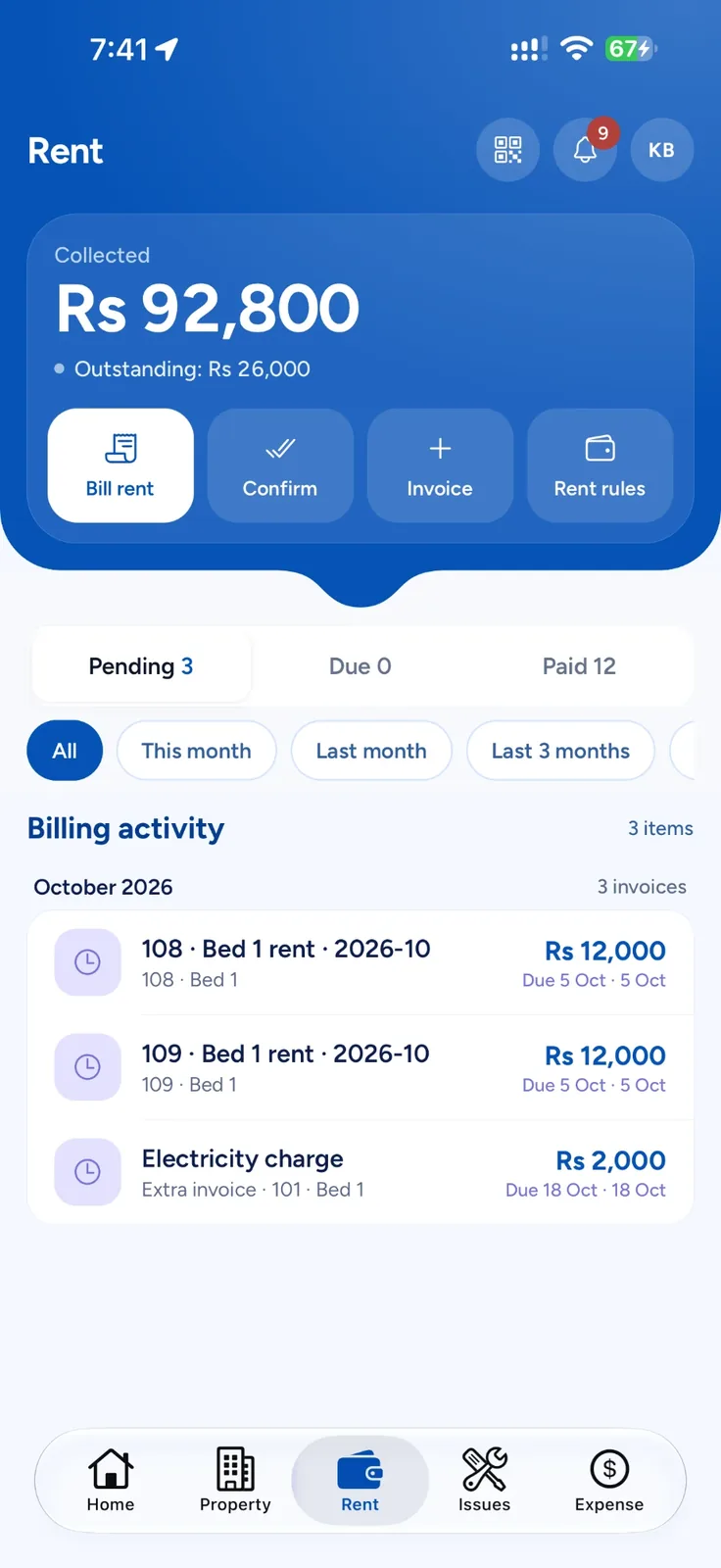
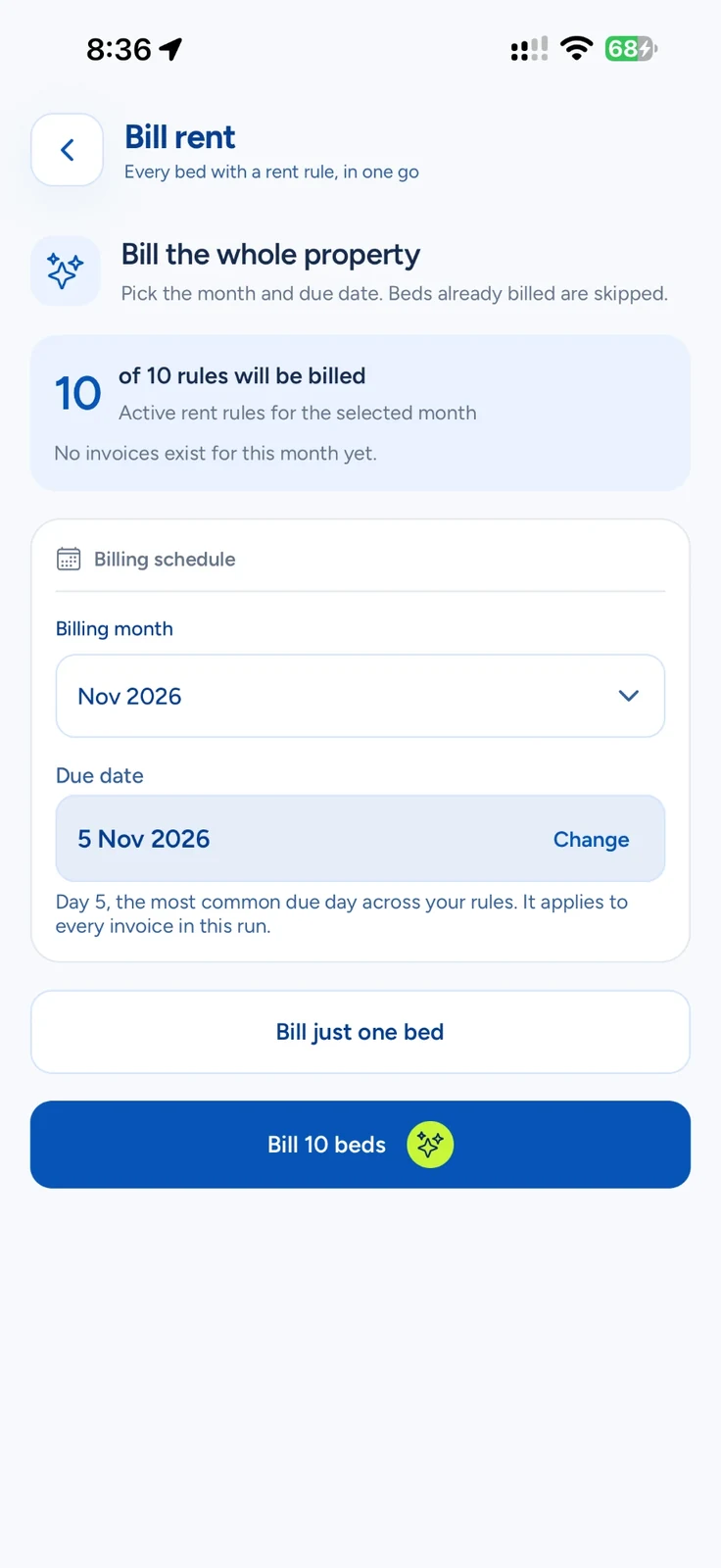
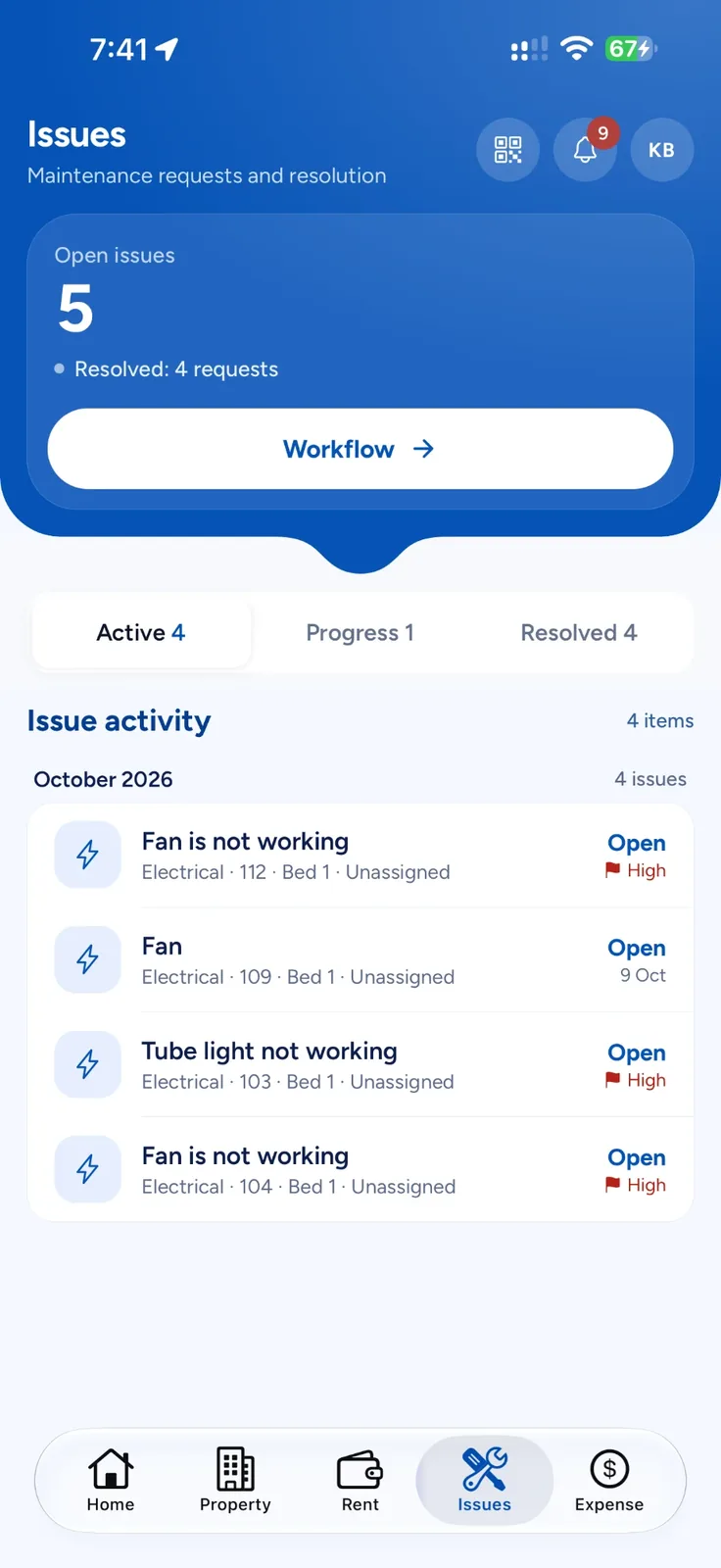
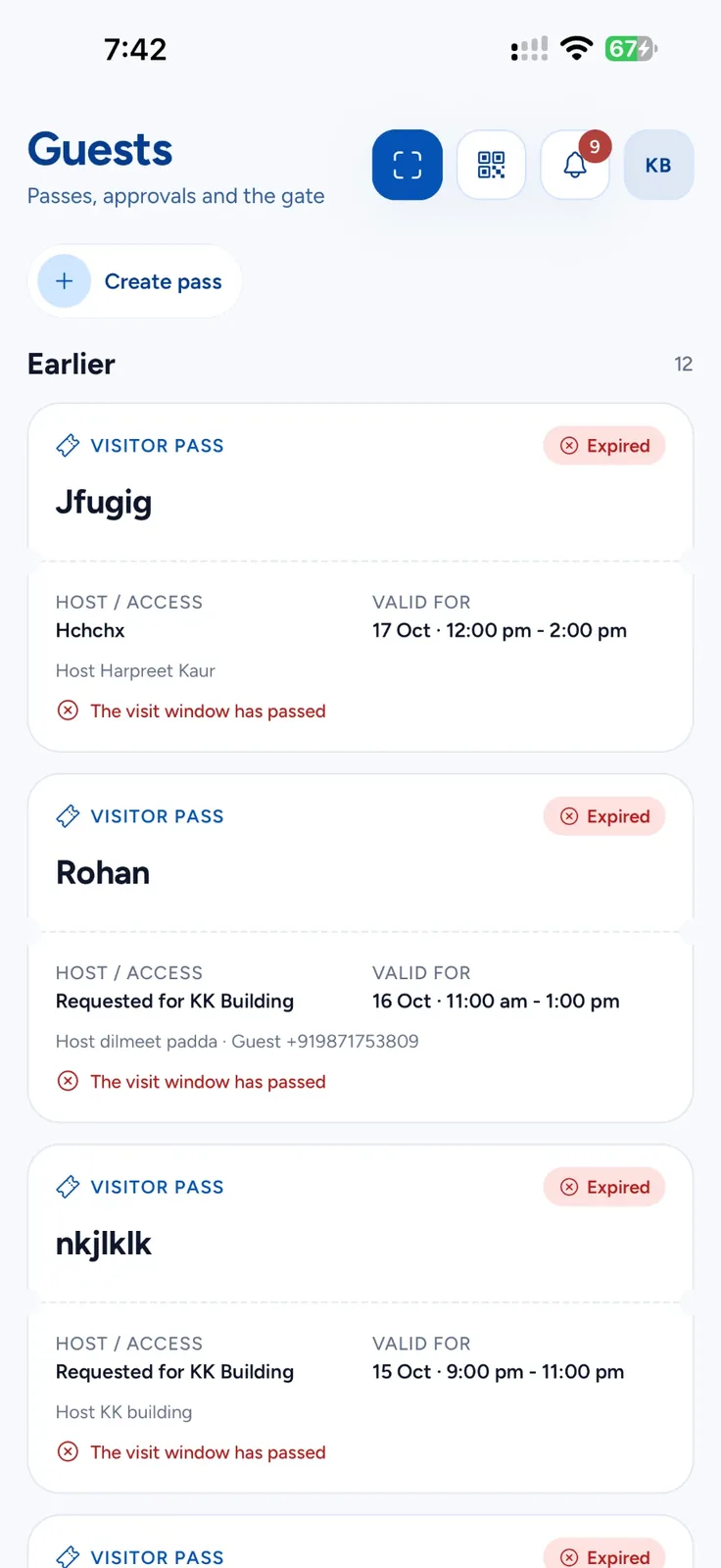
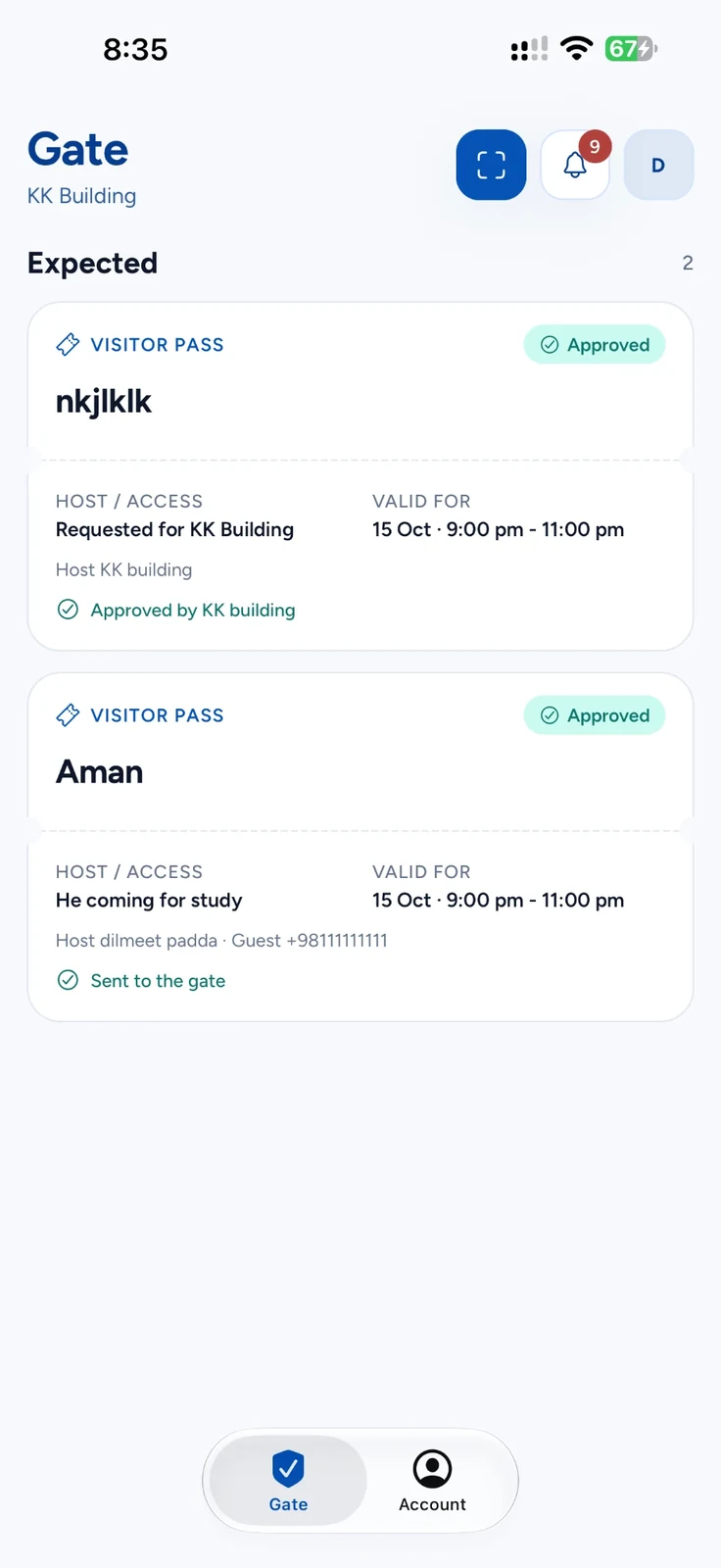
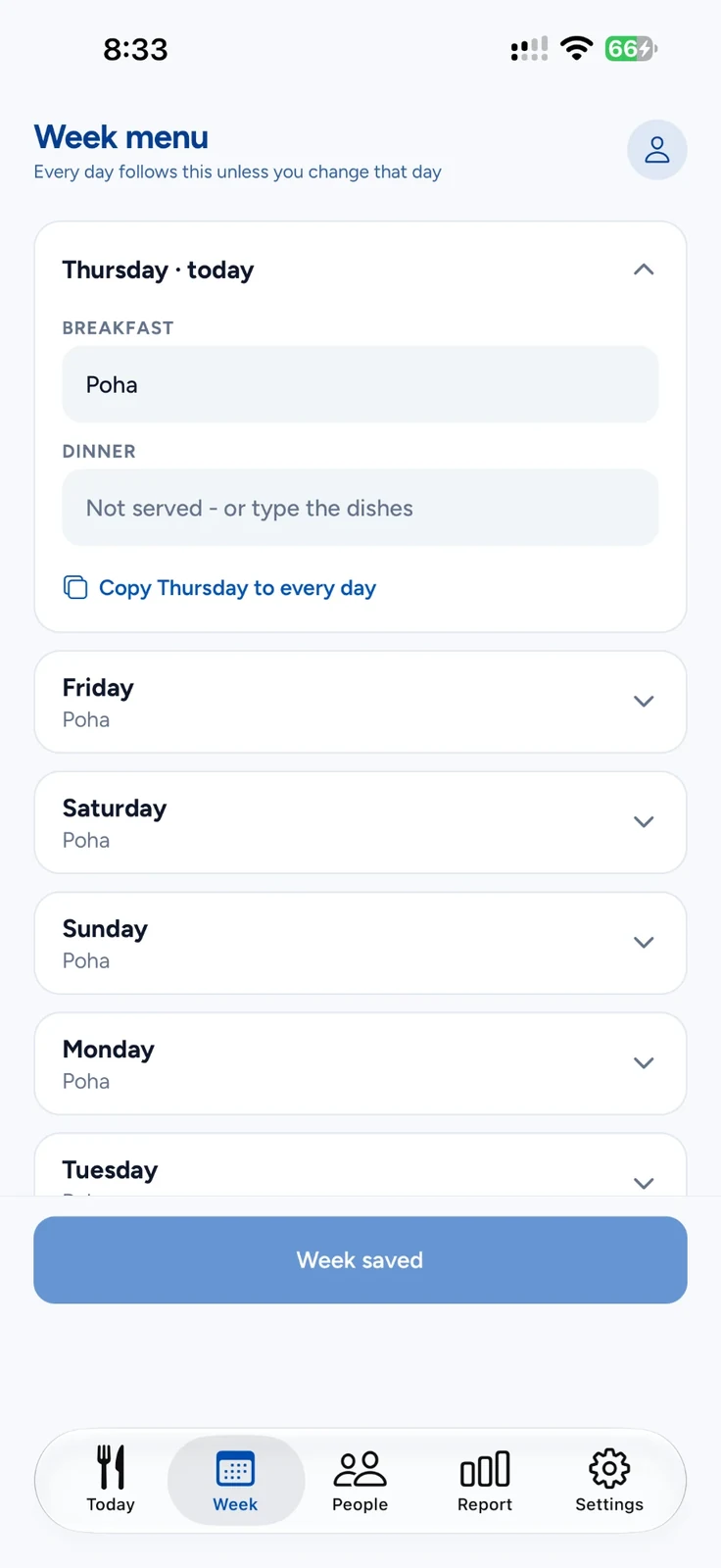
Open the app. Collected, due and occupancy are on the first screen — no spreadsheet to open, no messages to scroll.
A resident reports a broken geyser. It lands with your caretaker, who updates it when it is fixed. You were never in the middle.
A guard scans a guest pass at the gate. The entry is logged. Nobody had to call you to ask whether someone was expected.
Invoices went out on their own. Reminders chased the two who were late. What is left is a list of who has paid, already in order.
A caretaker with access to your rent ledger is a problem waiting to happen. Roles in Rentro are narrow on purpose.
Groceries, the water can, a weekend trip. Groups, shopping lists, trip funds and settle-up live in the same app as your rent — so there is no second app to install and no second group to keep alive.
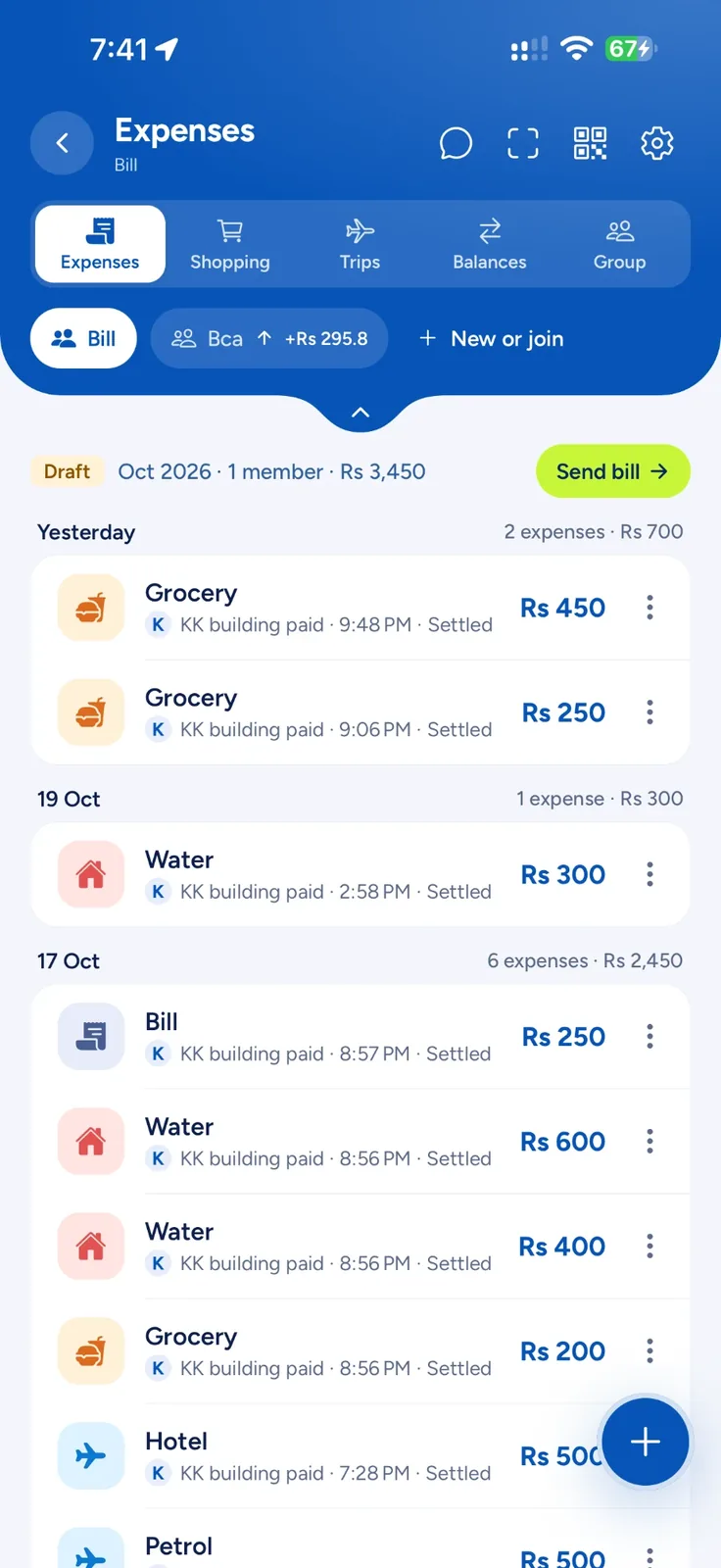
Every group, and what you are owed
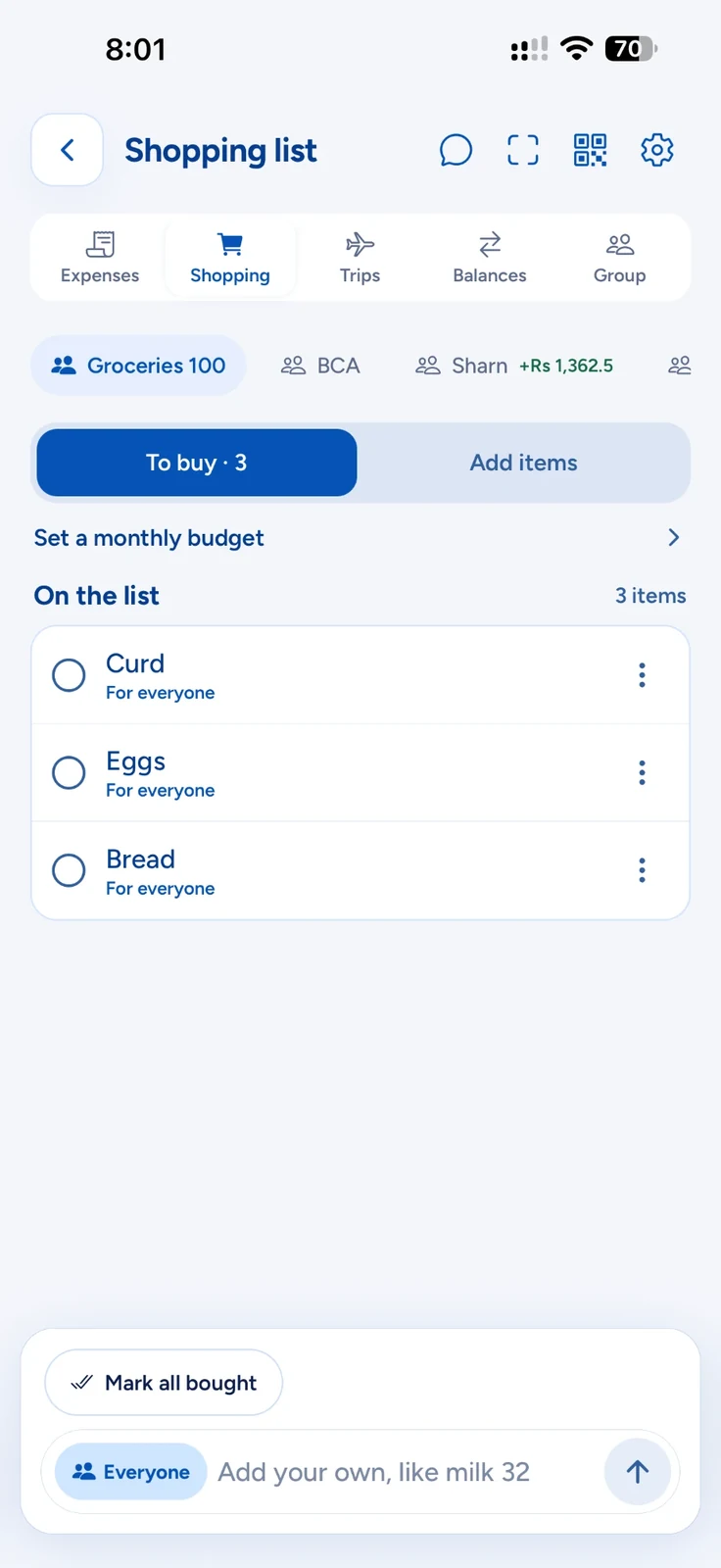
A shopping list the whole group shares
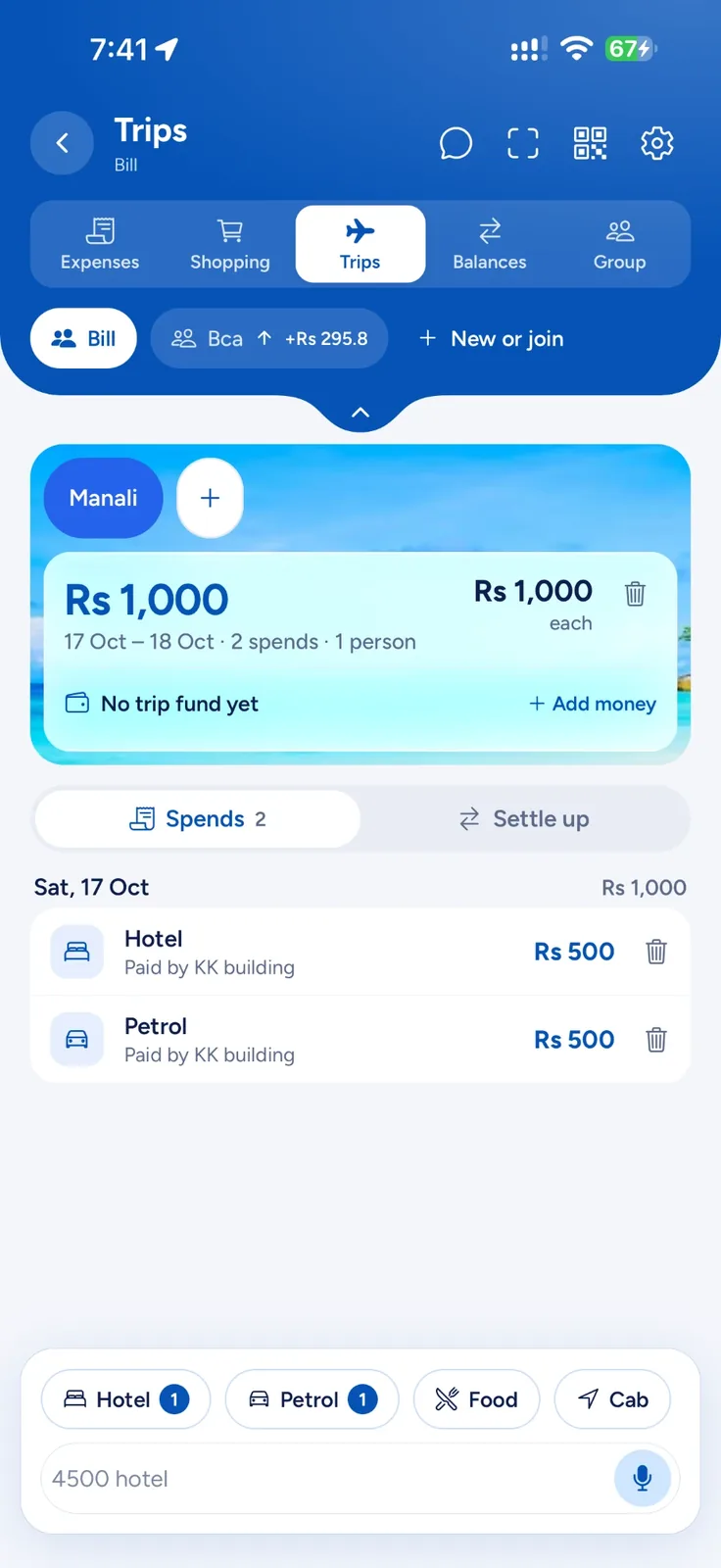
Trips with a fund, spends and settle-up
Fourteen days free on every plan. Cancel inside the trial and you have paid nothing.